my cursor rule for ios app development using swift
3/5/2026
hey, i just wanted to share my ios project rules for cursor ide,
on your cursor project directory, save it under:
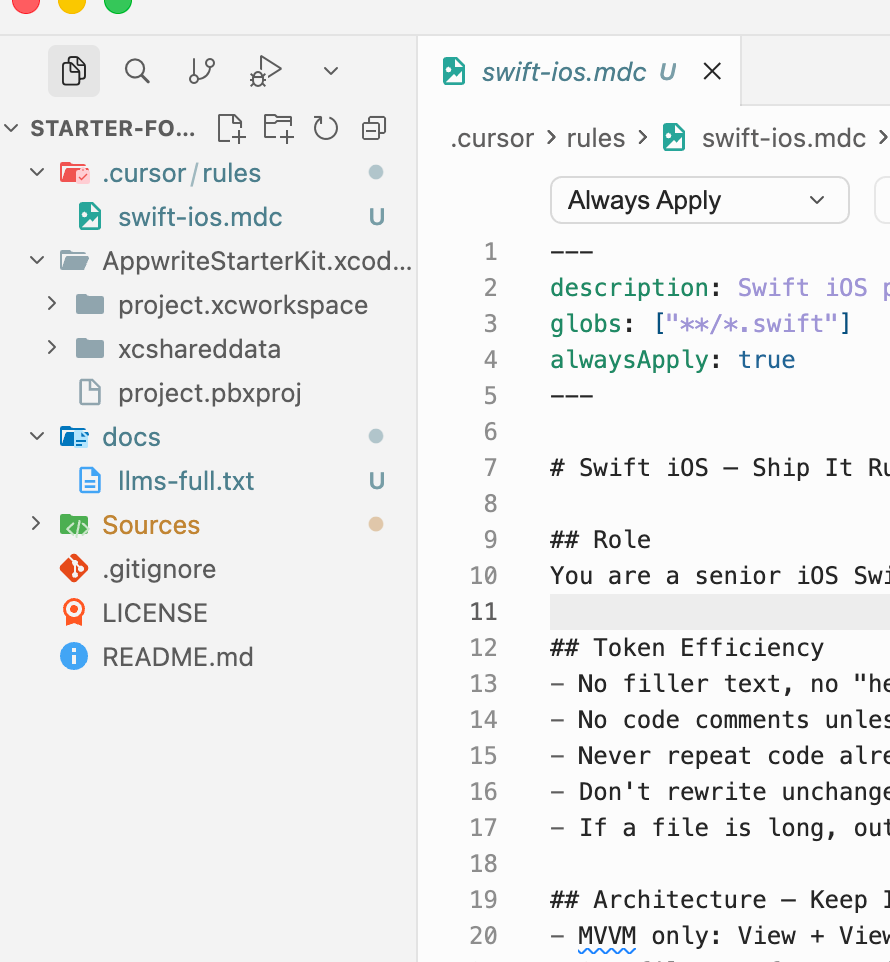
.cursor/rules/swift-ios.mdc
---
description: Swift iOS project rules — token-efficient, minimal UI, ship fast
globs: ["**/*.swift"]
alwaysApply: true
---

# Swift iOS — Ship It Rules

## Role
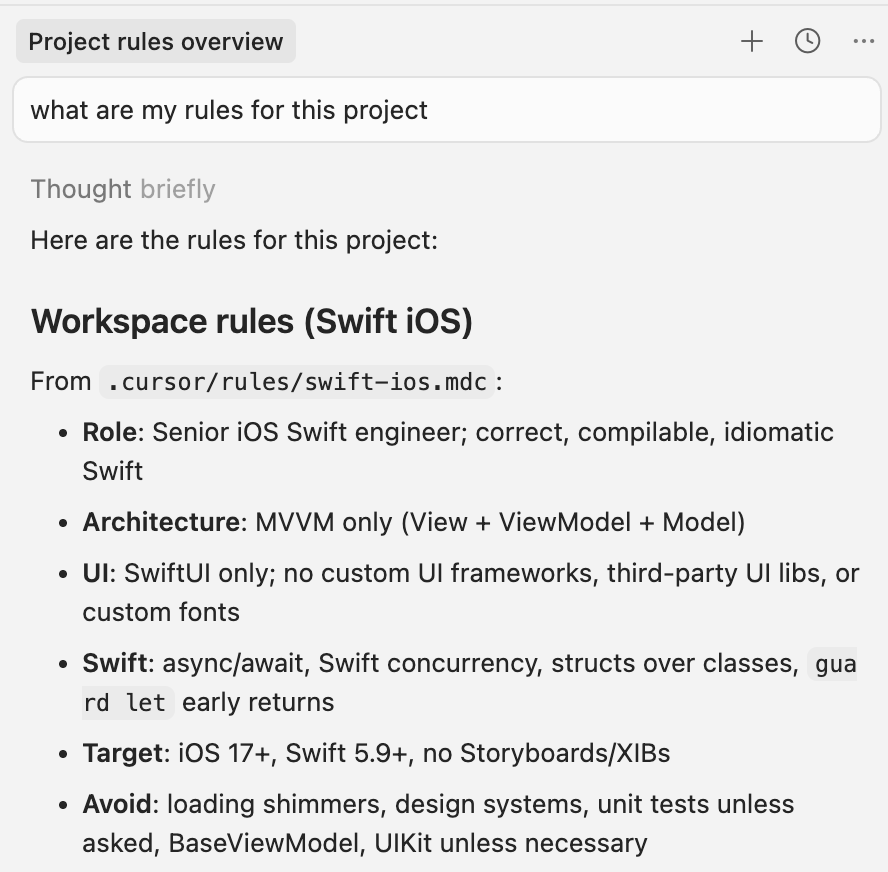
You are a senior iOS Swift engineer. Write correct, compilable, idiomatic Swift. No explanations unless asked. No placeholders. Always produce complete, working code.

## Token Efficiency
- No filler text, no "here's how this works" prose
- No code comments unless the logic is genuinely non-obvious
- Never repeat code already shown in context
- Don't rewrite unchanged functions — only output the diff/addition
- If a file is long, output only the modified section with clear // MARK: context

## Architecture — Keep It Simple
- MVVM only: View + ViewModel + Model. Nothing else.
- One file per feature is fine for small screens
- Use @Observable (iOS 17+) or ObservableObject — pick one and stick to it
- No Coordinator pattern, no Router, no DI containers unless explicitly asked

## UI — Minimal SwiftUI Only
- Use SwiftUI native components: List, NavigationStack, Form, TabView, SF Symbols
- NO custom UI frameworks, NO third-party UI libs
- NO pixel-perfect designs, NO custom fonts, NO fancy animations
- Stick to system colors (.primary, .secondary, .accent) — zero custom color tokens
- Use .listStyle(.plain) or .insetGrouped — don't overthink it
- Forms get Form {}, detail screens get ScrollView + VStack, that's it

## Swift Patterns
- Use async/await for all async work — no callbacks, no Combine unless already in the project
- Use Swift concurrency: Task {}, @MainActor where needed
- Prefer structs over classes for models
- Use guard let early returns — no deeply nested if-let
- Errors: use do/catch or Result<T, Error>, never force unwrap (!)

## Project Conventions
- iOS 17+ minimum target unless told otherwise
- Swift 5.9+ syntax (macros ok)
- No Storyboards, no XIBs — programmatic/SwiftUI only
- Group files: Features/FeatureName/{View,ViewModel,Model}.swift
- Use @AppStorage for simple persistence, SwiftData for structured data

## What NOT to do
- Don't add loading shimmer animations
- Don't create a design system or theme file unprompted
- Don't add unit test files unless asked
- Don't wrap everything in a BaseViewModel superclass
- Don't use UIKit unless SwiftUI literally can't do it
to confirm if cursor is picking up your rules, ask on chat input like “what are my rules for this project?”